Free Nano Banana workspace
Free Nano Banana Pro Image Generator
Create a new image from text or guide an edit with up to five reference images.
Open toolDescribe what you want to see, choose a format, and create with Grok Imagine.
Free Nano Banana workspace
Create a new image from text or guide an edit with up to five reference images.
Open toolFree OpenAI image workflow
Create clean visual drafts from text or use reference images for guided composition and editing.
Open toolReference-guided creation
Upload one to five references and describe how the new image should preserve, combine, or transform them.
Open toolPrompt-based image editor
Upload one image and request a focused change to its background, objects, color, material, or lighting.
Open toolLocal resize and AI enhancement
Resize an image locally for free, or use a limited Flaq AI enhancement when newly generated detail is acceptable.
Open toolPrivate browser converter
Convert a WebP image to a widely compatible JPG without uploading it.
Open tool

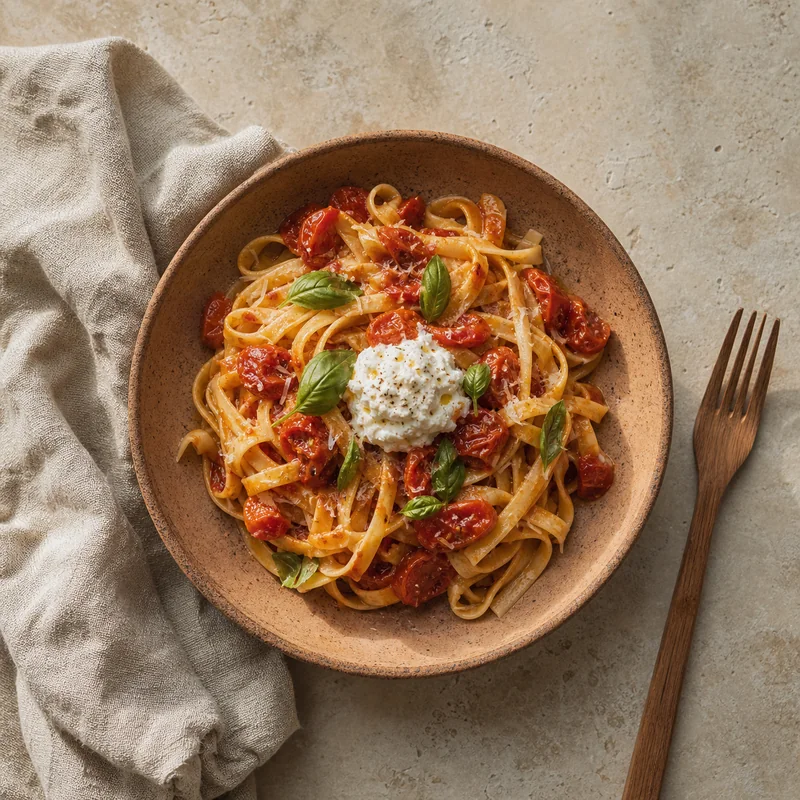
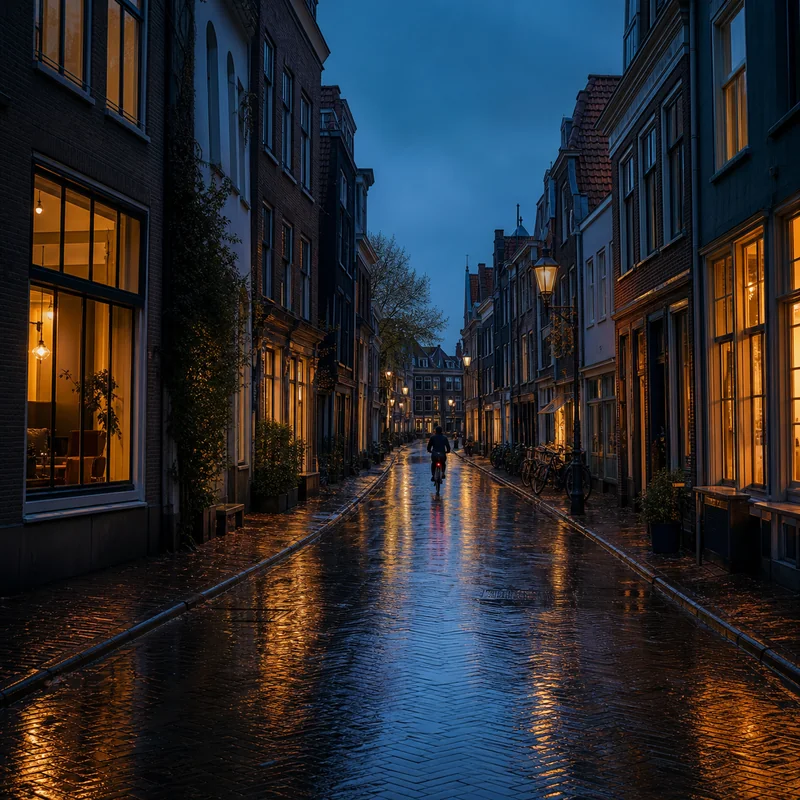


Great prompts guide the model. Build one clear layer at a time.
Name the subject, action, setting, and the mood you want to see.
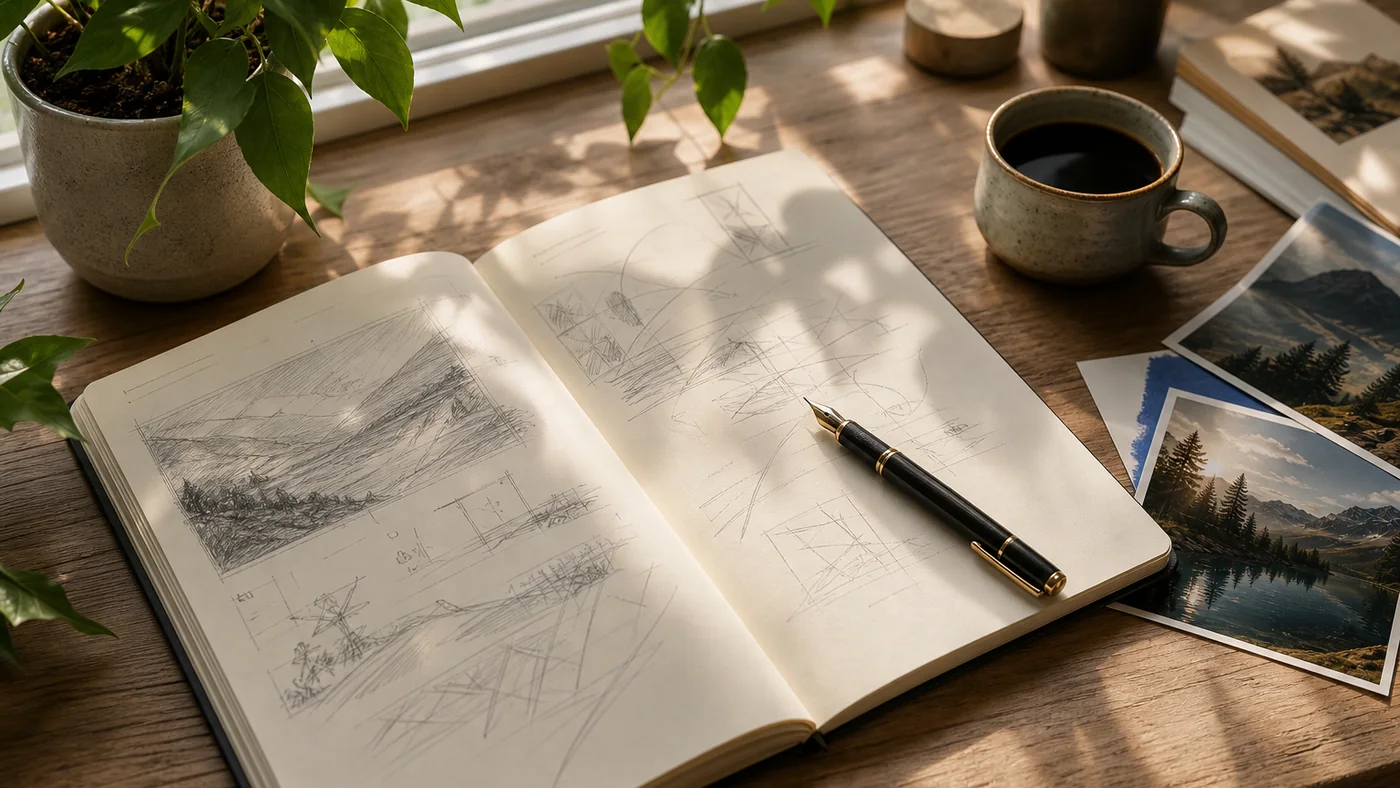
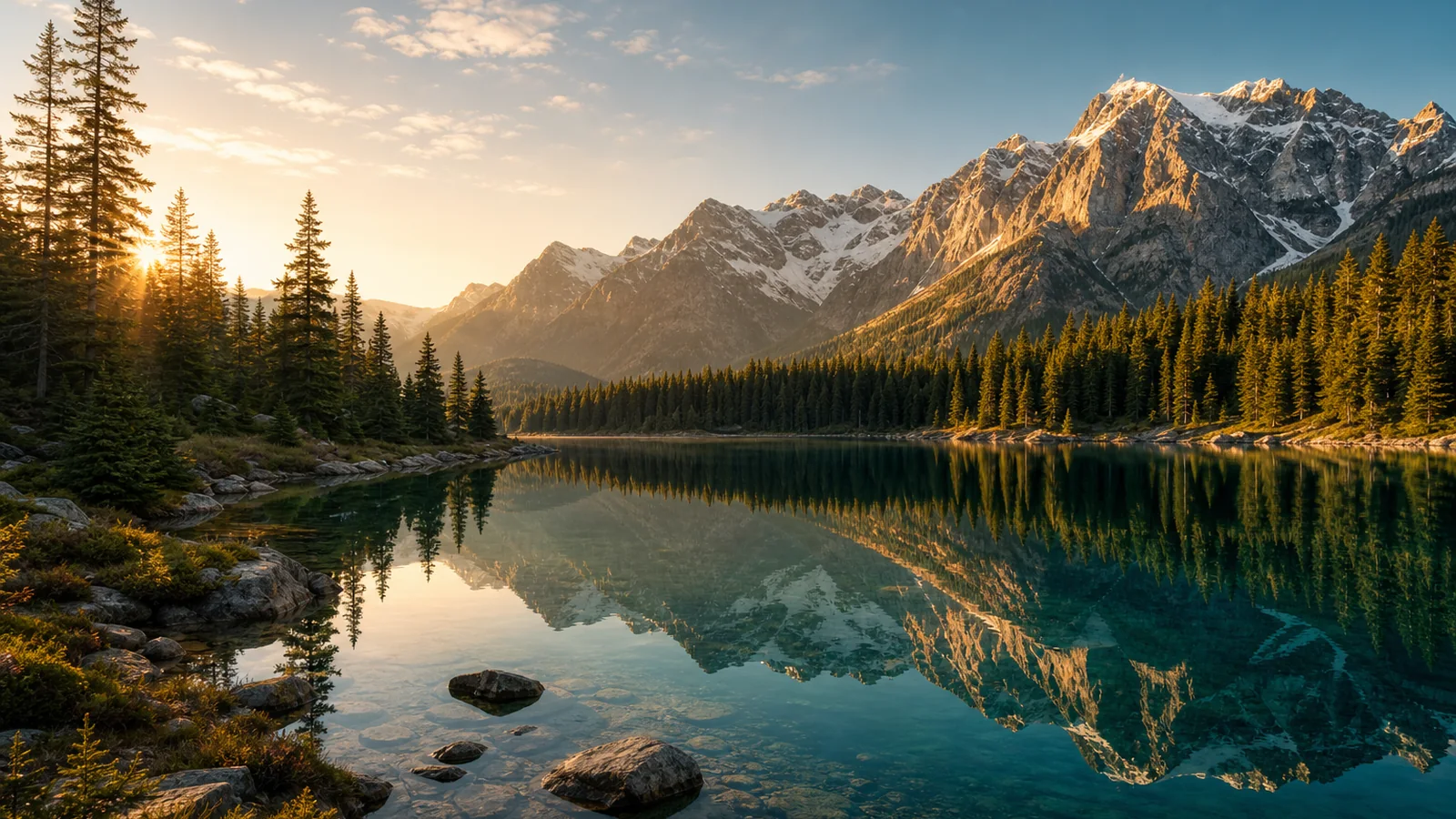
Include composition, lighting, colors, style, and camera hints.
Adjust a few words, try new angles, and review the result carefully.
Specific subjects, actions, settings, and outcomes give the model a stronger brief.
Guide framing, perspective, depth, and visual hierarchy for clearer storytelling.
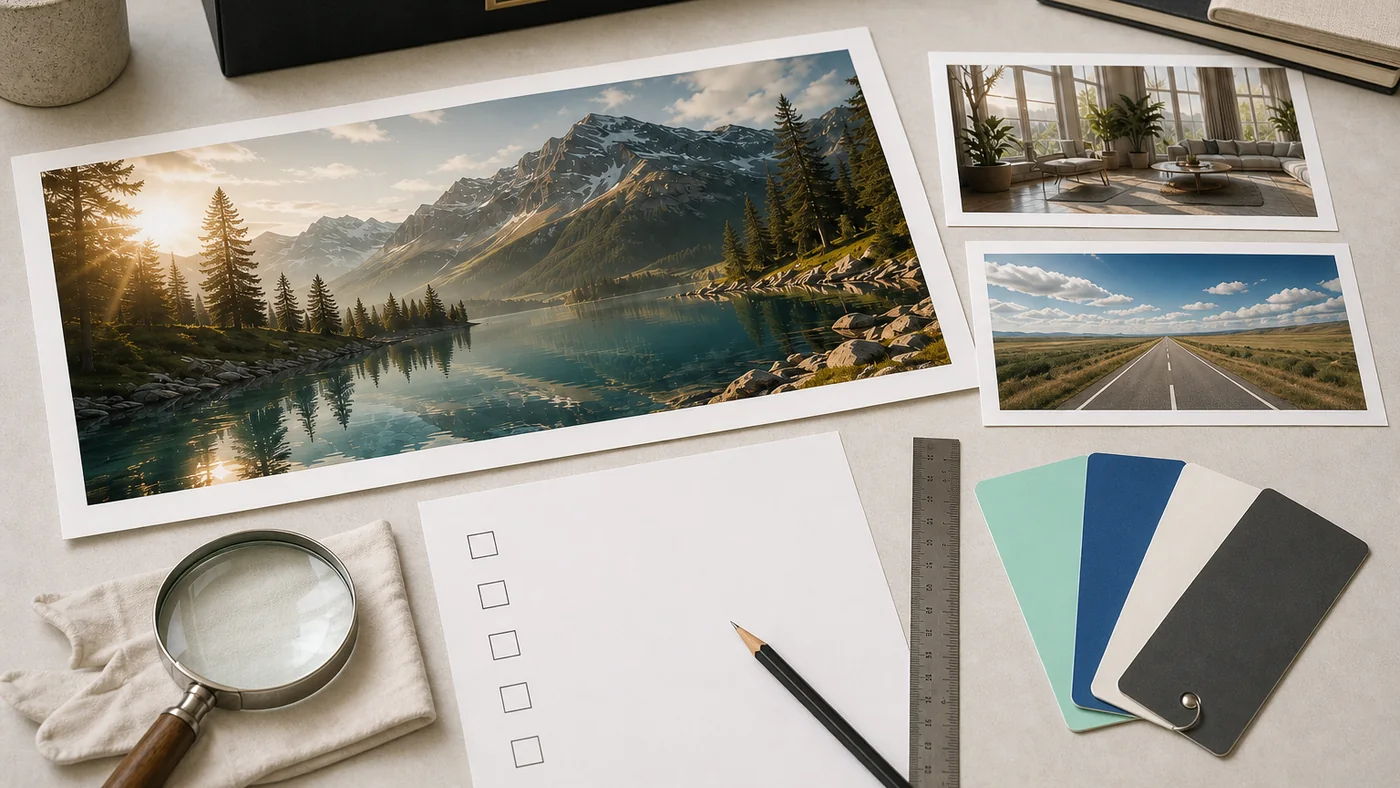
Check outputs for accuracy, rights, context, and unintended details before publishing.
Prompting
A practical framework for describing subject, setting, light, composition, and mood without burying the idea.
Read articleTechnique
A plain-English field guide to the visual terms that make prompts more precise.
Read articleReview
A practical pre-publish review for rights, accuracy, brand fit, and production quality.
Read articleVisualMint AI is an independent image-generation workspace and learning journal. It combines a focused Grok Imagine interface with original guidance about prompts, composition, review, and responsible publishing.
Grok Imagine is an image model from xAI. VisualMint sends approved text prompts to the model through the Flaq API, then shows the returned result privately in your browser session.
Commercial suitability depends on provider terms, the prompt, the output, and third-party rights. Review every image for trademarks, recognizable people, protected designs, misleading claims, and other project-specific risks before publishing.
Use 1:1 for flexible square posts, 16:9 for wide scenes, 9:16 for vertical stories, 4:3 for classic landscape framing, and 3:4 for portrait-oriented editorial images.